Choose from 5 options:
After setting up your IUCLID environment, you will work mainly in 2 areas:
This page provides a high-level overview of the steps involved in preparing and submitting your IUCLID dossier for an AICIS assessment certificate. Each step is explained in more detail in later sections of this guide.
You do not need to complete these steps strictly in order. IUCLID is designed to let you enter and update information at any time before exporting your dossier. However, following this sequence will help you set up your dataset correctly and avoid common issues later in the process.
Before creating a dataset, you need to:
Tip: You can start IUCLID and begin setting up your dataset before gathering all information. You can update your data at any time before exporting your dossier.
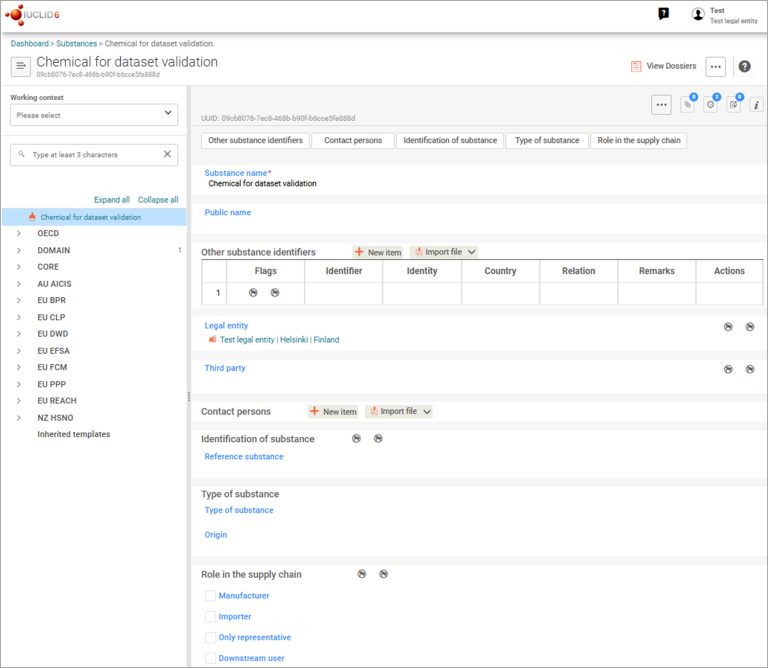
A substance dataset is the central repository for all information you will submit in your dossier. At this stage, focus on creating the dataset and entering basic identification information (such as the substance name and legal entity) – you can return to it later to complete remaining fields.
To begin:
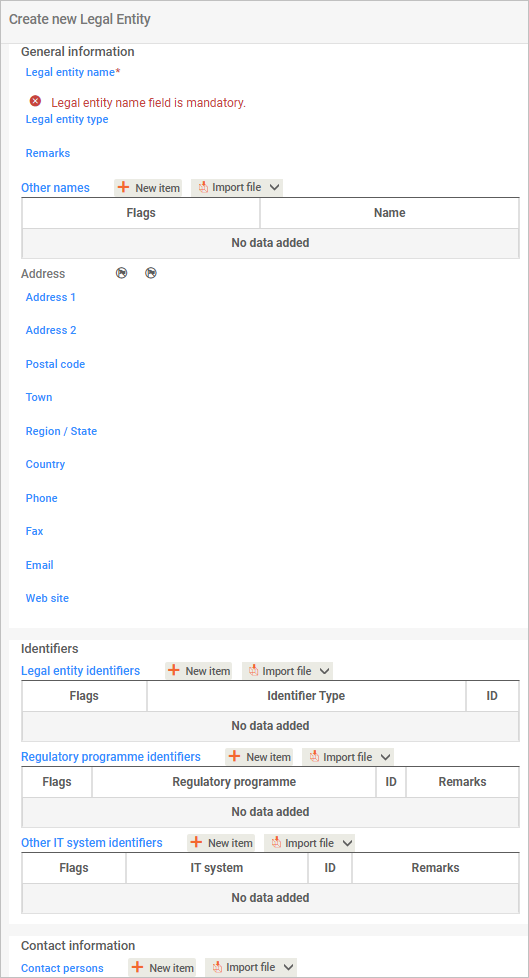
Legal entity includes the business applying for the assessment certificate and third parties, such as an agent.
If you are the applicant, select company from the dropdown list.
If there is an agent, select third party.
You do not need to complete Legal entity identifiers and Other IT systems identifiers.
You can complete the Regulatory program identifiers if your company takes part in any of the programs listed in the pick list. Select Other for AICIS.
See Section 1.1 for detailed guidance on completing identification fields.
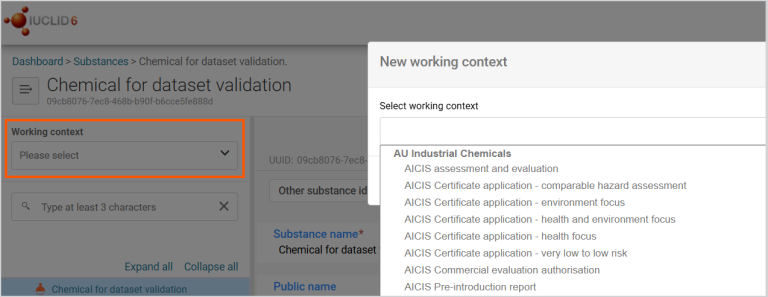
Select the AICIS application type under working context. After you do this, the AICIS working context will display.
Choosing the correct working context is essential as you cannot change it later. Do this before entering any data.
In IUCLID, a working context tells the system which information you need to provide and how it is structured for a specific application. Selecting an AICIS working context ensures:
The entities stored in Inventory manager are pieces of information you can reuse. Once created, you can select and link wherever you need in your dataset. This helps you avoid repeating information and keeps your data consistent across sections.
Create reusable entities before you complete technical sections (for example, Section 3). This ensures you can select existing information instead of entering it again.
You can create reusable entities:
You may need to create entities such as:
You can then use these entities across:
Tip: The Inventory manager lets you create and store reusable reference information called ‘entities’. These can be linked to one or more substance datasets.
We explain this in more detail in the Reusable entities chapter.
Next complete the IUCLID documents required for your AICIS working context. Complete all sections required for your role and application type.
We do not publish study reports or supporting documents that you attach in IUCLID.
Documents in IUCLID are grouped into sections, such as:
We explain information requirements for each of these topics in our Substances section.
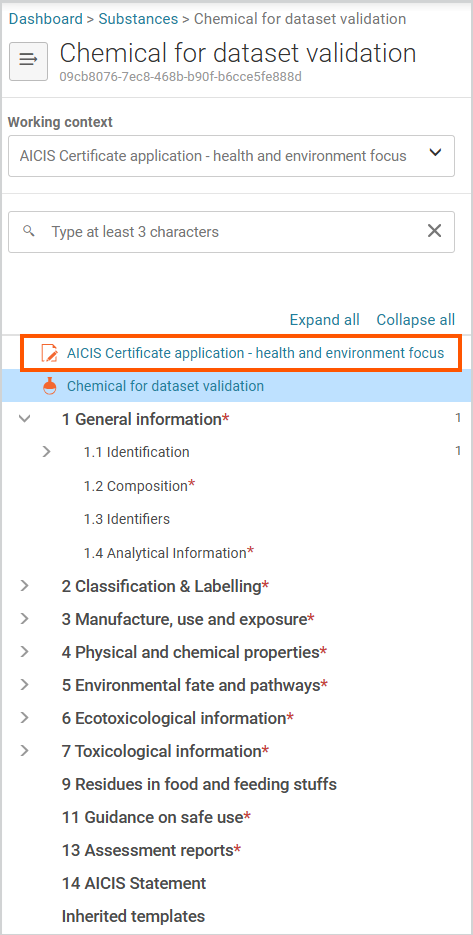
You must complete IUCLID documents based on your role in the application and the data you hold. You do not need to complete documents in numerical order as IUCLID uses numbering only to organise information.
If you cannot provide required information, you may need to:
You must report these approaches in IUCLID using the relevant document types and templates.
The Validation assistant checks whether you’ve provided the key information for your application type. It produces a report that shows any failures or warnings and explains how to address them.
Resolve all validation failures. Address warnings where possible or explain them in the relevant fields before proceeding.
We step you through the validation process later in this guide.
After validation:
We step you through this process thoroughly in our validation chapter.
Your IUCLID dataset:
Retain both the IUCLID dataset and the exported dossier file.
Next: learn how to navigate IUCLD and complete common field types before starting your dataset