Choose from 5 options:
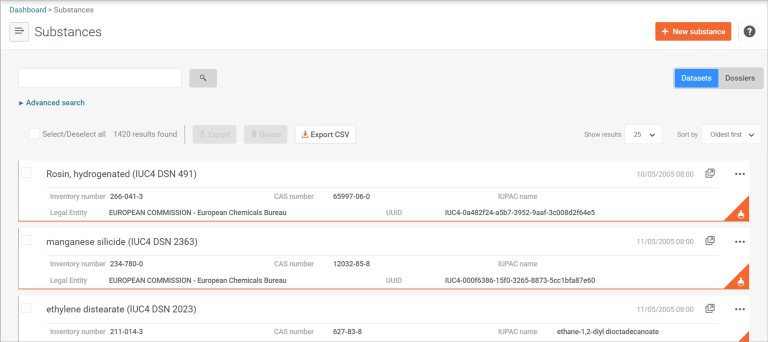
IUCLID uses the Substances feature to store information about individual chemicals.
In regulatory terms, a substance represents a single chemical substance.
IUCLID stores substance datasets under Substances. A substance dataset is a collection of IUCLID documents that together form the chemical dossier for a specific regulatory purpose.
You create and open substance datasets from the Substances section. IUCLID only shows sections and documents after you open a substance dataset.
Use the Validation assistant to check that your dataset meets AICIS requirements before you submit it.
Read more about validating your chemical dataset in IUCLID.

This image is a screenshot of the 'Validate' and 'Create dossier' buttons in IUCLID.
Once you open a substance dataset, IUCLID displays a table of contents showing all sections and documents in your dataset. The table of contents:
Use the table of contents as a guide to identify the documents you need to complete. Note that section numbers do not represent a workflow and do not need to be completed in order.
Explore substance sections guidance
IUCLID sections 1–7 do not represent steps. They group information by topic. You do not need to complete them in order.